

If you have a young child, you have probably heard of PBS KIDS. The shows, the games, the cheerful characters that seem to pop up on every screen in the house. But when a parent asks “Is PBS KIDS safe?” it is a fair and important question. Even well-known platforms deserve a close look before we hand a device to our kids and walk away.
In this guide, we break down everything you need to know. We cover content quality, privacy practices, advertising policies, and what the PBS KIDS app actually looks like in day-to-day family life. By the end, you will have a clear picture of whether PBS KIDS is the right choice for your child and how to use it in the safest way possible.
What Is PBS KIDS, and Who Is It For?
PBS KIDS is the children’s media brand operated by PBS, the Public Broadcasting Service in the United States. It has been around in some form for decades, growing from a simple TV block to a full digital platform that includes a website, a streaming video app, a games app, and a companion app for parents.
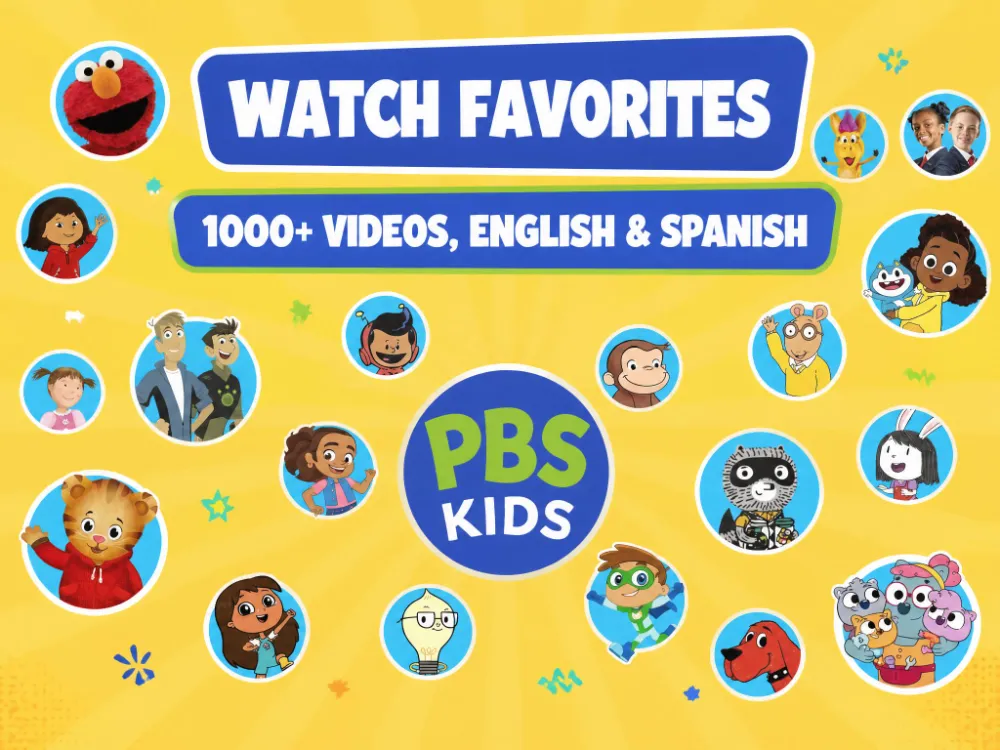
The content is designed for children roughly between the ages of 2 and 8. Popular shows include Daniel Tiger’s Neighborhood, Curious George, Wild Kratts, Molly of Denali, Elinor Wonders Why, and many others. Each show is built around specific learning goals, from emotional regulation to early science concepts.
It is worth noting that PBS is a nonprofit, public media organization. That mission shapes a lot of what makes PBS KIDS different from commercial platforms, as we will explain throughout this article.
Is PBS KIDS Safe? A Breakdown of the Key Factors
To give you a useful answer, we need to look at safety from several different angles. Content quality is one piece of the puzzle, but privacy, advertising, and ease of use all matter too, especially for very young children who do not always have a parent sitting right next to them.
Content Safety and Age-Appropriateness
The content on PBS KIDS is consistently rated as age-appropriate for young children. Common Sense Media, one of the most trusted independent reviewers of children’s media, gives PBS KIDS a recommended age of 3 and up for its video content. Reviewers describe the shows as educational, inclusive, and free from violence or inappropriate themes.
Every show on the platform has defined educational goals tied to early childhood development. Daniel Tiger, for example, is built around social-emotional learning, helping kids navigate feelings like frustration and disappointment. Wild Kratts focuses on science and animal biology. This is not accidental. PBS channels significant resources into making sure content meets the needs of young learners.
That said, not every show will suit every child at every age. Some games on the PBS KIDS Games app vary in complexity from preschool to early elementary level, so younger children may occasionally encounter content that is a bit advanced. A quick preview before a child dives in never hurts.
What Parents Consistently Praise About PBS KIDS Content
- No violent or scary content
- Strong representation of diverse characters and backgrounds
- Curriculum-based learning goals woven into every episode
- Age-range labels visible for most shows
- Closed captions available on many videos for accessibility
Advertising and Commercial Content
This is one of the most common concerns parents raise, and the answer here is reassuring. PBS KIDS does not show traditional commercials or targeted ads within its content for children.
According to the platform’s own privacy documentation and confirmed by Common Sense Media‘s review, personalized advertising is not displayed, and user data is not used to track and target children across other websites. That is a significant distinction from most commercial streaming or gaming platforms.
On the video app, you may occasionally see brief acknowledgment messages from corporate sponsors at the start of certain full-length episodes. Think of these as similar to what you see on public television, a short “made possible by” credit rather than an advertisement aimed at children. These are not interactive, clickable, or targeted.
The PBS KIDS Games app and website are largely free of any commercial promotion. Some show characters do appear on merchandise, but nothing is directly sold to children through the platform itself.
Privacy and Data Collection
For parents who want to understand how their child’s data is handled, PBS KIDS takes a relatively careful approach compared to commercial platforms.
COPPA (the Children’s Online Privacy Protection Act) sets strict federal rules about what data can be collected from children under 13 and requires verifiable parental consent before doing so. PBS maintains a children’s-specific privacy policy and keeps it prominently accessible for parents.
Common Sense Media‘s detailed review confirms that personal information is not sold or rented to third parties, data profiles are not created for advertising purposes, and third parties do not collect data from children for their own use. That is a strong privacy stance, and it lines up with PBS’s nonprofit, public-service mission.
Children do not need to create accounts or share personal information to use most of the platform. Some features, such as saving game progress on certain PBS KIDS games, may ask for a nickname or age. No email address or detailed profile is required for the core experience.
PBS KIDS Privacy at a Glance
- No selling or renting of personal data to third parties
- No personalized or targeted advertising
- No third-party data collection for commercial purposes
- Children’s privacy policy maintained separately and prominently
- Most content accessible without any account or login
Interactive Features and Online Safety
Unlike social platforms, PBS KIDS does not include chat features, direct messaging, or user-generated content where strangers could interact with your child. This is an important distinction. The risks that exist on platforms like Discord or Roblox simply are not present here.
The website and apps function more like a curated library than a social network. Children browse, play, and watch, but they are not posting, sharing, or communicating with other users. This closed structure makes it significantly safer for unsupervised use by young children.
The main website does feature a “For Grownups” section, and the video app includes a small link to learn more about local PBS stations and related apps. These links lead outside the children’s environment, so it is worth knowing they exist. In practice, very young children are unlikely to notice or follow them.
Helpful resources
7 Dangerous Apps Parents Should Know About in 2026
Discover the most dangerous apps parents should watch in 2026, including platforms linked to cyberbullying, strangers, explicit content, and online safety risks for kids.
The PBS KIDS Super Vision App: A Tool for Parents
PBS offers a companion app called PBS KIDS Super Vision, designed specifically for parents and caregivers. It lets you monitor what your child is watching and playing, see how long they have spent on the platform, and get insights into the learning themes their chosen content covers.
This is a thoughtful addition for parents who want visibility without hovering over their child’s shoulder every minute. You can see patterns in your child’s interests and use those as jumping-off points for offline conversations or activities.
Super Vision does not lock down content or block specific shows. Think of it less as a parental control tool and more as a window into your child’s digital activity. For full content filtering or screen time limits, you will want to layer in your device’s built-in parental controls alongside it.
PBS KIDS vs. Other Kids Platforms: How Does It Compare?
It helps to put PBS KIDS in context. Many parents are also considering platforms like YouTube Kids, Netflix Kids, Amazon Kids, or Disney Plus. Each has a different approach to safety, and the differences are meaningful.
| Platform | Ads? | No Account Needed? | Privacy (COPPA) |
| PBS KIDS | No targeted ads | Yes (most content) | Strong (nonprofit) |
| YouTube Kids | Yes (some ads) | No | Mixed (commercial) |
| Netflix Kids | No ads | Account required | Good |
| Amazon Kids+ | No ads | Account required | Good (paid) |
PBS KIDS stands out for being freely accessible without a subscription, relatively privacy-forward for a free platform, and truly built around educational goals rather than maximizing engagement for its own sake.
YouTube Kids, by comparison, has faced criticism for inconsistent content moderation and the presence of advertiser-supported content. It is a capable platform with a lot of content, but it requires more active parental involvement to stay safe.
Tips for Using PBS KIDS Safely at Home
Even the safest platform works better with a bit of intentional structure at home. Here are some practical ways to make the most of PBS KIDS as part of a healthy digital routine.

For Toddlers and Preschoolers (Ages 2 to 5)
- Co-view when you can. Watching alongside your child turns screen time into a shared learning experience.
- Use show themes as conversation starters. If your child just watched Daniel Tiger deal with disappointment, you have a ready-made way to talk about those feelings in real life.
- Keep sessions short and predictable. The American Academy of Pediatrics recommends limiting screen time to one hour per day for children ages 2 to 5, and PBS KIDS works well in short, structured sessions.
- Use your device’s built-in screen time controls alongside Super Vision to set clear limits.
For Early Elementary Children (Ages 6 to 8)
- Encourage your child to choose intentionally rather than just tapping whatever plays next.
- Explore the games section together occasionally. Many of the games tie directly to classroom concepts like math patterns, spelling, and basic science.
- Talk about what they are learning. The educational goals are built in, but a quick conversation helps solidify the concepts.
- Check in on Super Vision every week or two to stay aware of what your child gravitates toward.
Limitations Worth Knowing About
PBS KIDS is excellent for its target age group, but no platform is perfect. There are a few limitations worth being aware of.
Content skews young. Most of the shows and games are aimed at children up to about age 8. Once kids move into the older elementary years, they often find the content too simple and begin looking elsewhere. That is not a safety issue, but it is worth knowing so you can plan ahead.
The video app lacks robust parental controls. Some parents have noted in app reviews that the PBS KIDS Video app does not allow filtering by specific show or disabling autoplay within the app itself. For precise control over what your child watches, you will need to use your device’s parental control features.
Internet access is required for most content. Some episodes are available for download, but the platform is primarily streaming-dependent. If you are managing your child’s screen time on the go, offline options are limited.
The experience varies slightly by device. The website, iOS app, Android app, and Roku or smart TV experience are all slightly different. The core content is the same, but navigation and available features can vary.
Helpful resources
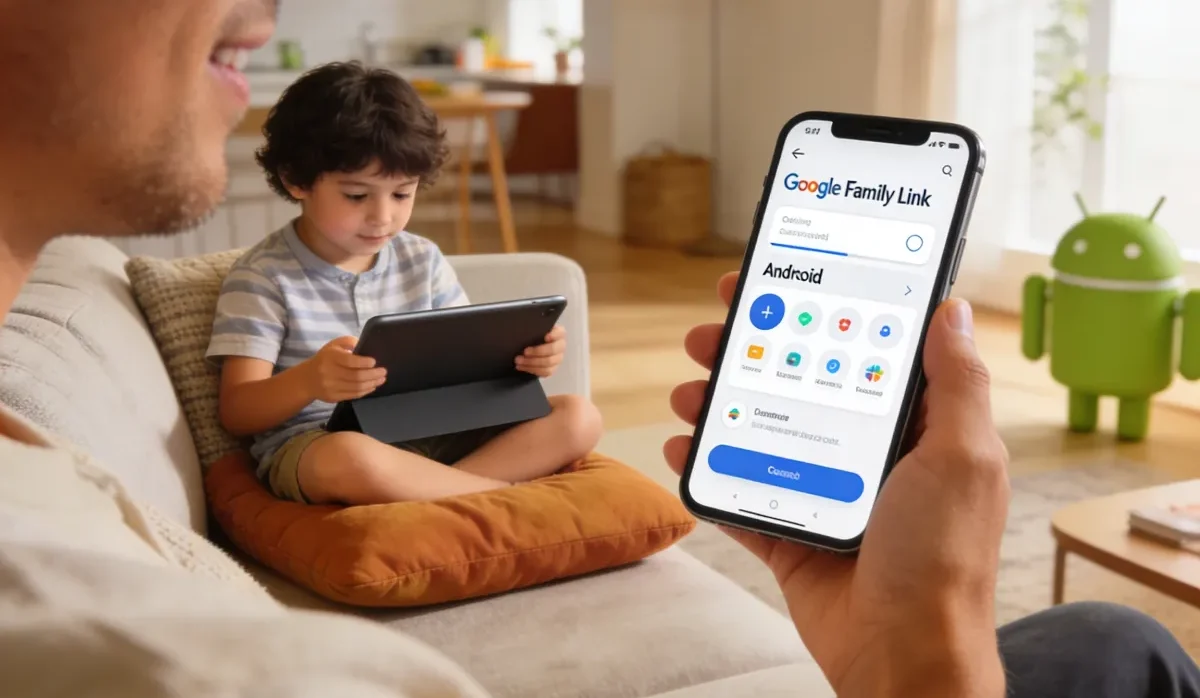
Google Family Link for Parents: Safe Setup Guide for Kids (2026)
Learn how to set up Google Family Link to manage your child’s screen time, app approvals, and online safety with this easy parent guide for 2026.
Frequently Asked Questions
Is PBS KIDS safe for toddlers and very young children?
Yes, PBS KIDS is generally considered one of the safer platforms for toddlers. The content is age-appropriate, there are no chat or social features, and advertising is not targeted at children. For very young children, brief co-viewing and device-level screen time controls are still good practices.
Does PBS KIDS collect personal data from children?
PBS KIDS maintains a children’s-specific privacy policy and takes a conservative approach to data. Personal information is not sold to third parties, data is not used for targeted advertising, and most content can be accessed without creating any account. The platform is designed to comply with COPPA, the federal law that protects the privacy of children under 13.
Is PBS KIDS completely free of ads?
For practical purposes, yes. PBS KIDS does not show traditional commercials or targeted advertising aimed at children. Some full-length video episodes include a brief sponsor acknowledgment at the start, similar to the funding credits you see on public television. These are not interactive or targeted, and they are quite different from the ad experience on commercial platforms.
Is PBS KIDS safe to use without parental supervision?
For children in its target age range of roughly 3 to 8, PBS KIDS is one of the lower-risk platforms for independent use. There are no social features, no user-generated content, and no chat functions. That said, we always recommend using your device’s parental controls to set screen time limits, and the PBS KIDS Super Vision companion app can help you stay aware of your child’s activity.
How does PBS KIDS compare to YouTube Kids for safety?
PBS KIDS has a narrower but more tightly curated library compared to YouTube Kids. Because all content is produced or selected by PBS, quality control is more consistent. YouTube Kids has a much larger content library but has faced challenges with inconsistent moderation and advertiser-supported content. For the youngest children especially, PBS KIDS offers a more controlled and predictable experience.
Final Thoughts
So, is PBS KIDS safe? For most families with young children, the answer is a clear yes, with a few small caveats to keep in mind.
PBS KIDS has strong content standards, a meaningful privacy commitment, and a design philosophy rooted in education rather than engagement-at-any-cost. It is one of the few free platforms where the interests of children and the mission of the organization genuinely align.
That does not mean we can hand over a tablet and stop paying attention entirely. All screen time benefits from some parental involvement, especially for toddlers and preschoolers. But when it comes to choosing a platform you can feel good about, PBS KIDS earns its trusted reputation.
Use the Super Vision companion app to stay informed, layer in your device’s parental controls for screen time limits, and take advantage of the natural conversation starters PBS KIDS content provides. A quick “What did you learn today?” goes a long way.