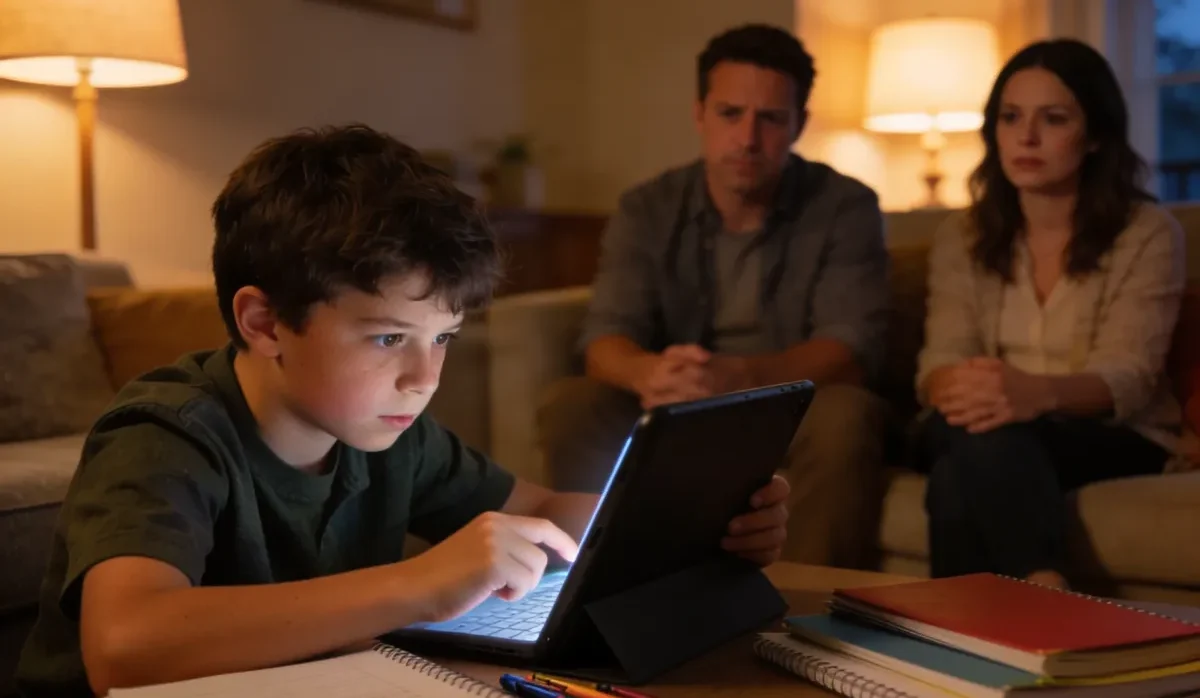


If you have ever handed your child a tablet and wondered what they were actually doing in that game, you are not alone. Finding safe games for kids has become one of the most common questions parents ask us, and honestly, it is not hard to see why.
The online gaming world is full of wonderful, creative experiences built specifically for children. But it also has dark corners: games with in-app purchases designed to hook young players, chat features with no moderation, and advertising that feels more like manipulation than marketing. Knowing where the good stuff is makes all the difference.
In this guide, we walk you through the most trusted child-friendly games available in 2026, explain what makes them genuinely safe, and share practical advice for keeping kids safe online no matter which platform they use. We also cover how parental controls and a few simple habits can give you real peace of mind.
What Makes an Online Game Safe for Kids?
Before we get to specific recommendations, it helps to understand what we actually mean by secure online gaming. Not every game marketed to children earns that trust. We look at a few core qualities when evaluating whether a game belongs on this list.
No Open Chat with Strangers
Unmoderated, open chat is one of the biggest risk factors in kids games. A game designed for children should either have no chat at all, limit communication to pre-approved phrases, or use strong human and automated moderation. When children can send and receive free-text messages from anyone, the risk of contact with predators or bullies increases significantly.
No Aggressive Advertising or Dark Patterns
Ad-free kids games are not always realistic, but responsible platforms either keep advertising completely out of the children’s experience or use clear, age-appropriate placements. We look for games that avoid countdown timers, guilt-trip popups, and “loot box” mechanics that teach children to spend money impulsively.
Age-Appropriate Content and Design
The best safe kid games are built from the ground up for specific age ranges. The themes, challenges, and social features are calibrated so a six-year-old is not accidentally stumbling into content designed for teenagers.
Transparent Parental Controls
Good platforms give parents visibility and control. That means account dashboards, spending limits, playtime settings, and clear reporting if something goes wrong. Online safety for children starts with parents having the tools they need.
The Best Safe Games for Kids in 2026
Below, we have rounded up the platforms and titles that consistently earn high marks for child safety, educational value, and genuine fun. This is not an exhaustive list, but it covers the most reliable options across different ages and interests.
PBS Kids Games
PBS Kids remains one of the gold standards for online games for kids. The platform is completely free, carries no in-app purchases, and is built around the same educational values that have made PBS programming trusted by parents for decades.
Children can play games featuring familiar faces from shows like Curious George, Daniel Tiger, and Wild Kratts. Each game is designed to reinforce skills like early literacy, math, problem-solving, and emotional intelligence. There is no chat feature, no advertising targeted at children, and no pressure to spend money.
For younger children especially, PBS Kids is often the first place we recommend. It is quiet, calm, and genuinely educational. You can find it at pbskids or through the free PBS Kids app on iOS and Android.
Minecraft: Education Edition
Minecraft is one of the most popular games on the planet, and Education Edition takes everything families love about the core game and removes the elements parents worry about. It is used in thousands of schools globally and is built around creativity, collaboration, and STEM learning.
There is no public multiplayer. Children play in controlled environments, either solo or with classmates in a teacher or parent-managed session. The open-ended building format is fantastic for creative thinking and spatial reasoning. Common Sense Media rates Minecraft: Education Edition as appropriate from age 7 upward, which aligns with our own assessment.
Toca Boca World
Toca Boca has built a strong reputation for safe kids games that put imagination first. Toca Boca World is a digital dollhouse of sorts, letting children create characters, design homes, and build stories in a completely safe, ad-free environment.
There is no chat, no multiplayer, and no competitive pressure. The Swedish studio behind Toca Boca has always been outspoken about designing for children rather than for engagement metrics, and that philosophy shows in every detail of the product.
Helpful resources
Best Parental Control Apps for Kids (Tested by Parents)
Discover the best parental control apps trusted by parents to help kids stay safe online and manage screen time wisely.
Osmo Games (Physical-Digital Play)
Osmo takes a different approach by combining a physical game piece with a tablet camera. Children place real tiles, cards, or drawings in front of the device and the app responds to what it sees. This means screen time is naturally limited and the game actively encourages hands-on, tactile engagement.
Osmo’s lineup includes spelling, math, coding, and creative drawing challenges. It requires a compatible iPad or Amazon Fire tablet, but many families find the investment worthwhile because of how genuinely different the play experience is from a typical touchscreen game.
Roblox (With the Right Settings)
Roblox is one of the most popular kids games in the world, and it deserves a nuanced mention. In its default state, Roblox can expose children to chat with strangers and user-generated content that varies widely in quality and appropriateness. We would not call it safe without configuration.
However, with the right parental controls in place, Roblox transforms into a genuinely enjoyable platform. Parents can restrict chat to a pre-approved word list, disable the ability to follow players to new games, and set spending limits on the in-app currency. The key is treating Roblox as a platform to actively manage rather than a fully safe out-of-the-box experience.
What You Can Do: Setting Up Roblox Safely
- Set “Who can chat with me in app” to “Friends” or “No one.”
- Enable account restrictions to limit gameplay to curated, age-appropriate content.
- Turn on monthly spending notifications and set a Robux limit.
- Revisit these settings every few months as Roblox updates its features regularly.
How to Keep Kids Safe Online While Gaming
Even the safest platforms benefit from a parent who is engaged and informed. Here is how to keep kids safe online in the gaming context, without turning every gaming session into a stressful supervision event.
Talk About It Before They Play
One of the most effective things parents can do is simply have a conversation before a new game is installed. Ask your child what the game is about, who they will be playing with, and what they should do if someone says something that makes them uncomfortable. This primes children to think critically instead of just reacting.
Use Built-In Parental Controls
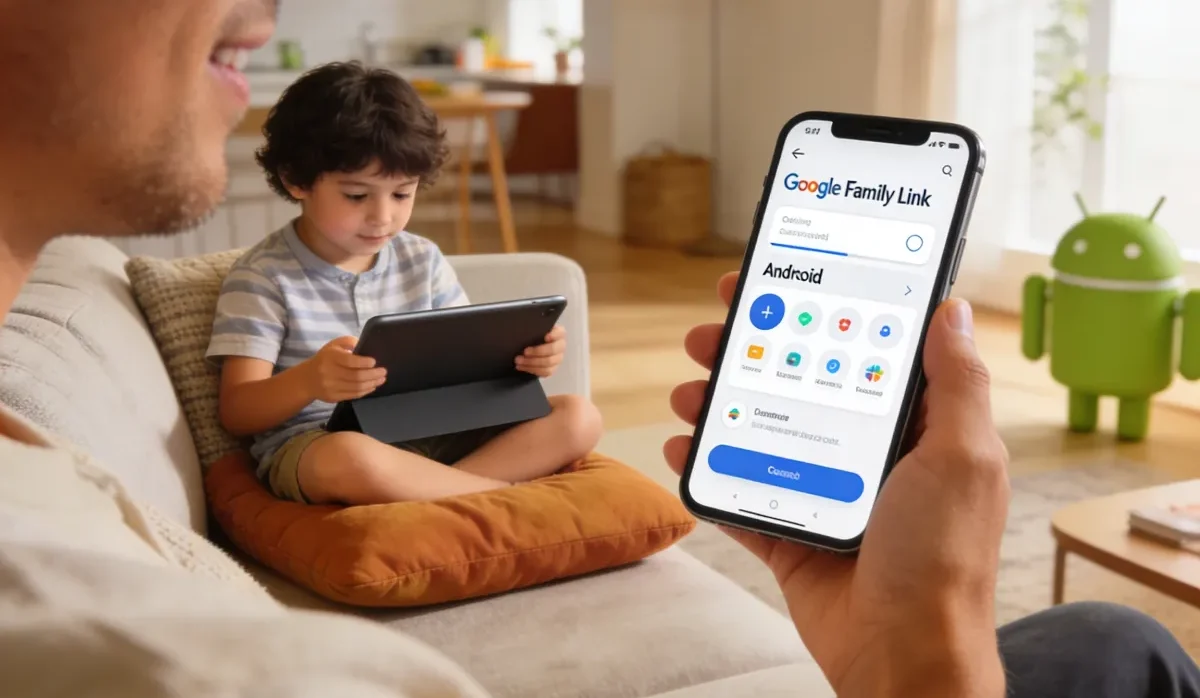
Almost every major platform, from Apple’s Screen Time to Google Family Link to in-game parental dashboards, now offers meaningful tools for parents. Set them up when you first create an account, not after a problem has already occurred. Know where the settings panel is so you can adjust things quickly if needed.
Play Together Sometimes
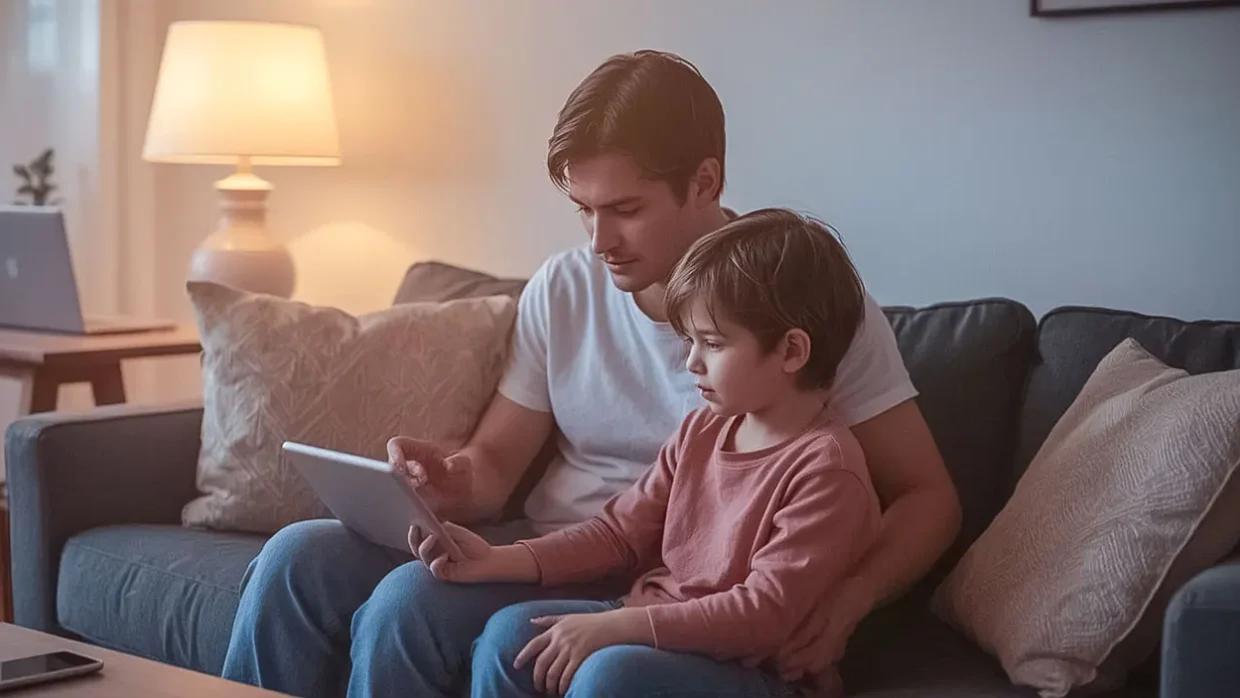
There is no substitute for actually watching your child play for a few minutes. You will quickly see what the social environment is like, whether there are ads or purchase prompts, and how the game handles conflict or losing. This is also a great way to connect over something your child loves.
Keep Devices in Common Spaces
This is practical advice that scales with age. For younger children especially, keeping tablets and computers in living rooms or kitchens makes it easy to glance over and notice if something seems off. It is not about distrust. It is just good environmental design.
Make Online Safety a Conversation, Not a Lecture
How to keep kids safe online is not a question with a single answer because the digital world changes so fast. The most resilient approach is building a relationship with your child where they feel comfortable coming to you if something weird happens in a game. That starts with how we talk about it every day, not just when there is a problem.
Quick-Check: Signs a Game Might Not Be Safe for Your Child
- It has open, unmoderated chat with unknown players.
- There are frequent popups asking for purchases or coins.
- You cannot find any parental control options in the settings.
- The content feels significantly older than your child’s age group.
- Your child seems secretive or anxious after playing.
Educational Games for Kids: Fun Does Not Have to Mean Mindless
One thing we want to gently push back on is the idea that safe automatically means boring. The best educational games for kids are deeply engaging precisely because they are well-designed. PBS Kids games, Toca Boca World, and Minecraft: Education Edition all have something in common: they trust children’s intelligence.
When a game respects a child’s curiosity and gives them real agency over what they build, explore, or create, children stay engaged without needing manipulative hooks. That is the goal, and in 2026 there are more great options for it than ever before.
Organizations like Common Sense Media regularly review games specifically for age-appropriateness and educational value. We recommend bookmarking their website as a quick reference before downloading anything new.
Age-by-Age Guide to Safe Online Games for Kids
Ages 3 to 6: Keep It Calm and Ad-Free
At this age, look exclusively for ad-free kids games with no social features whatsoever. PBS Kids, Toca Boca, and Osmo are perfect here. The games should be self-directed with no competitive elements and no way to communicate with other players.
Ages 7 to 10: Add Structure and Creativity
This is a good age to introduce Minecraft: Education Edition and curated Roblox play with full restrictions enabled. Children at this stage benefit from games that involve problem-solving, building, and some light collaboration with known friends. Keep chat features off or heavily restricted.
Ages 11 to 13: More Complexity, More Conversation
Pre-teens can handle more complex online games, but this is also when peer dynamics get complicated. Games like Among Us (which has a text-chat option) and Fortnite become popular in this age group. For these titles, we strongly recommend playing alongside your child at first and making regular check-ins part of the routine.
The goal at every age is not to eliminate risk entirely but to match the level of freedom to your child’s demonstrated maturity and your ability to stay informed.
Frequently Asked Questions
What are the safest online games for kids in 2026?
The safest online games for kids in 2026 include PBS Kids games, Minecraft: Education Edition, Toca Boca World, and Osmo. These platforms are either ad-free, have no open chat, or both. For older children, Roblox with full parental restrictions enabled is also a solid option when properly configured.
How can I keep my child safe while playing online games?
The most effective way to keep kids safe online is to combine technical controls with open communication. Set up parental controls on both the device and within each app or game. Have regular conversations with your child about what they are playing and who they are playing with. Keep devices in shared spaces when possible, especially for younger children.
Are there any completely free safe games for kids?
Yes. PBS Kids offers a large library of completely free, ad-free kids games at pbskids.org and through its app. These require no account or subscription and include a wide range of educational titles for children from ages 2 to 8. Toca Boca also offers several free games, though some premium content requires a purchase.
What is PBS Kids and why do parents trust it?
PBS Kids is the children’s programming branch of the Public Broadcasting Service, a US-based non-profit broadcaster. Its games platform is specifically designed for early childhood learning and carries none of the advertising or in-app purchase mechanics common on commercial platforms. Parents trust PBS Kids because it has decades of credibility in children’s education and a clear commitment to child-safe content.
How do I know if a kids game is actually safe?
A few reliable signals: check whether the game has open chat with strangers, look for in-app purchase prompts, and see if you can find parental control settings in the app. Reading reviews on Common Sense Media is also highly recommended because their team reviews games specifically through a child safety and age-appropriateness lens. When in doubt, sit down and play for ten minutes before handing it to your child.
Conclusion: You Have More Control Than You Think
Finding safe games for kids does not have to feel overwhelming. The digital world has genuinely wonderful, creative, and educational spaces built specifically for children, and more parents are asking the right questions than ever before.
Start with the platforms we have covered here. PBS Kids and Toca Boca World are excellent entry points for younger children. For older kids, Minecraft: Education Edition and a carefully configured Roblox account can open up a world of creativity and social play without the risks that come with fully open platforms.
Most importantly, remember that keeping kids safe online is not a one-time task. It is a habit, a conversation, and a relationship. The goal is to raise children who know how to navigate digital spaces confidently and who trust you enough to tell you when something does not feel right. That starts today, with the choices you are already making.